



Capture Your
Chromebook
With Caprome


Key Features
Caprome offers a powerful suite of features designed to enhance productivity and security for your organization:
Multiple screen recording
Record multiple screens simultaneously for comprehensive monitoring.
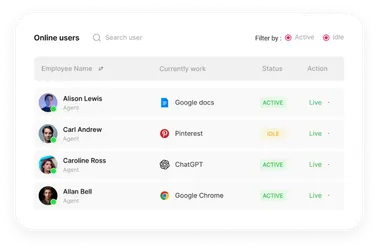
Screen Monitoring
Track activities in real time to ensure compliance and efficiency.
Install over 100s of PCs
If you are managing an organization, our installation process gets all your devices up and running with just a few clicks.
Force Run to Start
Every designated device automatically installs and runs Caprome, giving you complete control your organization.


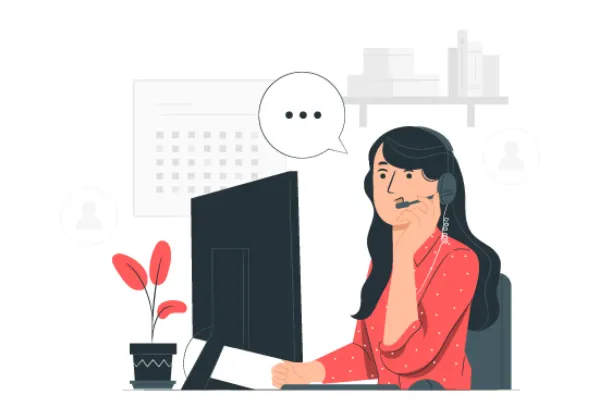
Call Center
Coaching
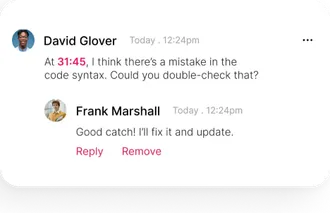
Caprome provides targeted training tools for call centers, enabling managers to effectively monitor, evaluate and guide their teams. With real-time monitoring and detailed analytics, supervisors can provide immediate feedback.
Raw
report export
to use on PowerBI , Looker
Caprome's User Report feature allows for in-depth analysis with easy export options. Whether you prefer Excel or Power BI, you can export raw data for further customization, helping you to dive deep into employee performance metrics, identify trends, and make data-driven decisions.





Why Choose Caprome for Chromebook
With Caprome, monitoring starts the moment your device powers on, providing automatic
and uninterrupted coverage without the need for manual input
Seamless compatibility
Caprome is fully optimized for ChromeOS and ChromeOS Flex, ensuring a smooth and efficient experience.
PWA integration
Caprome offers a lightweight yet powerful solution that integrates effortlessly into your Chrome environment
Automatic start and monitoring
Caprome will launch automatically and start recording as soon as the device is turned on.
Your Security,Our Priority
Your trust is our top priority, and we are committed to providing a secure environment for all your needs.

Data Encryption
All data is secured with advanced encryption methods, ensuring that your information is protected both in transit and at rest.
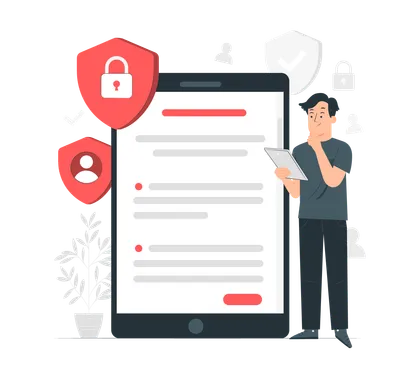
Privacy Compliance
Caprome is designed with strict compliance standards to protect user information and maintain privacy.
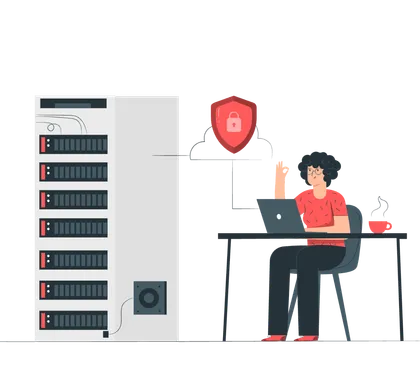
Secure Storage
All recordings and user data are securely stored in a cloud storage of your choice with your full control.
ARE YOU READY FOR A DEMO?
Reach out today and let us show you how Caprome can revolutionize your call center operations with a live demo!